
Many short-term rental hosts view an in-room television as just another screen on the wall. While hosts routinely invest thousands of dollars into high-thread-count linens, aesthetic interior design, and high-speed Wi-Fi, the living room television remains an overlooked source of guest friction and sub-5-star reviews.
As guest expectations rise, standard consumer displays and generic retail dongles increasingly fall short in turnover-heavy environments. A purpose-built vacation rental streaming setup protects guest privacy, eliminates post-checkout maintenance, and turns living room entertainment into a measurable competitive advantage. Finding the best streaming device for your listing isn’t about chasing raw retail specifications—it is about picking hardware engineered for hospitality workflows.
What Is an Airbnb TV Solution?
Definition: An Airbnb TV solution is a dedicated hardware-and-software streaming deployment configured specifically for short-term rental environments. Unlike consumer televisions configured for single-family households, a rental-first solution features automated guest credential purges upon checkout, custom branded welcome interfaces (displaying Wi-Fi credentials and house rules), and centralized remote fleet management across single or multi-unit portfolios.
Consumer smart TVs are engineered around persistent sessions: personal accounts stay permanently logged in, purchase credentials remain stored, and personal viewing histories compound indefinitely.
In a short-term rental, guests turn over every few days. Cord-cutting travelers expect instant access to their own subscription services—such as Netflix, Prime Video, Disney+, and YouTube—without encountering previous occupants’ accounts, cluttered home screens, or privacy risks. Plugging in an ordinary smart tv box or relying on native TV apps creates an ongoing maintenance burden for hosts.
Why Consumer Smart TVs and Generic TV Boxes Fail in Short-Term Rentals
Relying on standard built-in TV software (such as Samsung Tizen, LG webOS, or standard retail Android TV) or an unmanaged consumer android box creates persistent operational hurdles for hosts:
- Persistent Account Liabilities: Guests routinely log into personal streaming accounts and forget to sign out before leaving. Subsequent guests can access those profiles, alter recommendations, or even charge pay-per-view content, prompting security concerns and host complaints.
- Complex Remotes and Input Confusion: Previous guests frequently switch inputs to HDMI 2 for game consoles or leave the screen on an unconfigured input. The next arriving guest turns on the screen to an unfamiliar “No Signal” banner, resulting in late-night support messages.
- System Clutter and Interface Lag: Budget hardware degrades in performance as flash storage fills with cached data from dozens of guest profiles. Hosts skimming through generic streaming box reviews often overlook how fast consumer-grade memory bloat leads to sluggish navigation and frozen apps.
- Manual Reset Overhead: Manually factory-resetting or de-authorizing applications on multiple screens between 11:00 AM checkout and 3:00 PM check-in places an unsustainable burden on turnover cleaning teams.
Comparing Vacation Rental Hardware: Native TVs vs. Dongles vs. Hospitality Boxes
Choosing the best streaming box for your properties depends on unit scale, privacy control requirements, and management bandwidth. Before buying hardware in bulk, evaluating an objective streaming box review from a hospitality perspective reveals stark differences:
| Feature / Criteria | Standard Consumer Smart TV | Retail Streaming Stick (e.g., Roku Guest Mode) | Generic Android / IPTV Box | Dedicated Hospitality Streaming Box (Zubliz) |
| Account Logout & Wipe | ❌ Manual factory reset required | ⚠️ Requires guest to manually enter departure date | ❌ Manual account logout per app | ✅ Automated checkout purge or remote one-click reset |
| Custom Welcome Screen | ❌ None (OEM app store interface) | ❌ Standard platform branding | ❌ Stock launcher or piracy-prone UI | ✅ Displays Wi-Fi credentials, house rules, checkout times |
| Multi-Unit Fleet Management | ❌ None (device-by-device setup) | ⚠️ Basic per-account grouping | ❌ None (local configuration only) | ✅ Cloud portal for centralized fleet updates & restarts |
| Tamper & Setting Lock | ❌ Open settings menu | ⚠️ Partial PIN-lock options | ❌ Vulnerable to sideloading & changes | ✅ Full guest-mode lock prevents unauthorized alterations |
| Display Compatibility | ❌ Requires replacing entire display | ✅ Works via HDMI | ✅ Works via HDMI | ✅ Works via HDMI on existing displays |
| Primary Failure Point | App lag, forgotten guest credentials | Guests skipping the departure date prompt | Gray-market stability issues, menu confusion | Requires dedicated hospitality onboarding |
Why Cheap Hardware Stumbles: Evaluating the Android Box Market
When searching for the best android tv box for rentals, hosts are often tempted by ultra-low-cost alternatives on retail marketplaces. However, any thorough android tv box review tailored to property managers highlights key pitfalls with consumer gear:
- Unoptimized Firmware: Many budget boxes stack specs on paper (e.g., 4GB RAM, octa-core CPUs) while running uncertified Android mobile builds rather than proper TV operating systems. This causes apps to crash or demand mouse navigation.
- The “IPTV Box” Trap: Deploying an unmanaged iptv box often introduces clunky channel interfaces, gray-market channel sources that go offline without notice, and zero data privacy protection for rotating travelers.
- Lack of Centralized Oversight: When reviewing real-world android tv box reviews from enterprise hosts, the number one operational complaint is having to physically visit properties to reboot frozen hardware or re-enter Wi-Fi credentials.
- Resolution and Certification Gaps: An uncertified android tv box frequently lacks Widevine L1 DRM certification. Even if marketed as a 4k streaming box, it may restrict Netflix or Disney+ playback to standard definition (480p), triggering immediate complaints from tech-savvy travelers.
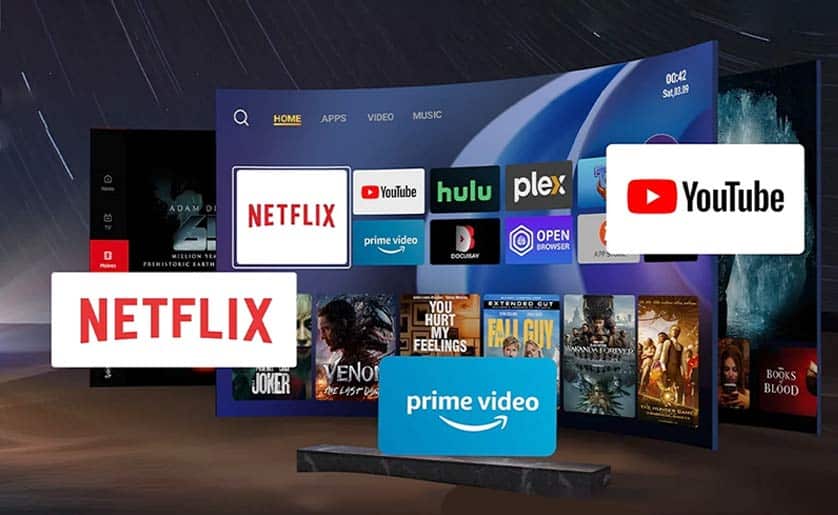
Key Benefits of a Rental-First Streaming Setup
1. Eliminating Privacy Liabilities
Hospitality-focused setups utilize sandboxed guest modes. When a guest departs, scheduled automation purges all local app data, active sessions, and credentials. Returning the unit to a clean baseline guarantees that incoming guests never encounter residual personal data.
2. On-Screen Digital Concierge
Rather than burying essential details inside a 20-page welcome binder, hospitality streaming hardware boots directly into a branded dashboard. Displaying network SSIDs, Wi-Fi passwords, emergency contacts, local dining guides, and departure instructions immediately upon power-up cuts repetitive host inquiries significantly.
3. Lower Hardware Replacement Costs
Hosts do not need to discard perfectly functional panels to fix sluggish built-in smart TV interfaces. Plugging in a commercial-grade streaming box instantly upgrades any legacy HDMI display to modern hospitality standards at a fraction of the cost of new commercial screens.
Recommended Solution: Zubliz Hospitality Streaming Box
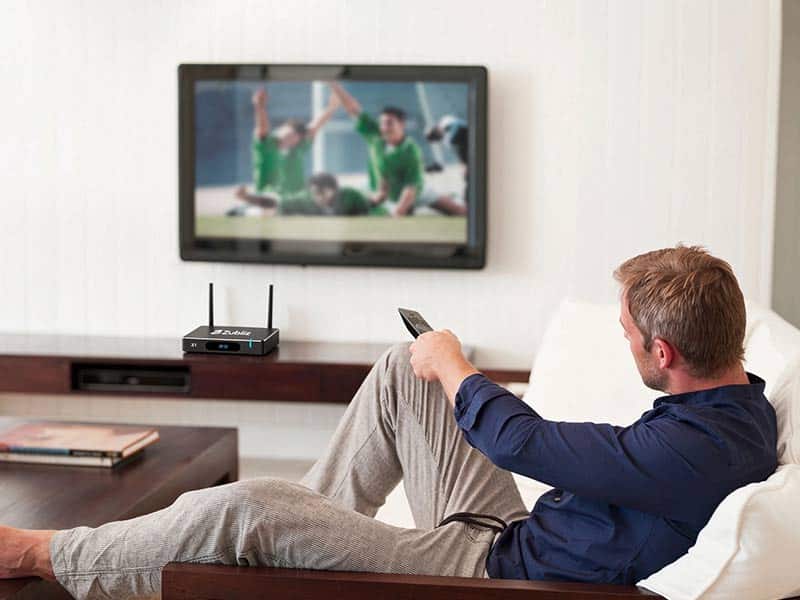
For hosts managing single units or multi-property portfolios, Zubliz bridges the gap between complex commercial hotel IPTV platforms and inadequate consumer dongles. Designed as a purpose-built 4k streaming box for short-term accommodations, it eliminates turnover headaches:
- Automated Data Purge: Erases all guest streaming accounts and browser data after checkout without manual intervention.
- Branded Interface Engine: Replaces generic device home screens with your rental property’s custom dashboard, showing network logins, check-in instructions, and curated neighborhood picks.
- Tamper-Proof Kiosk Architecture: Disables deep system menus and prevents unauthorized downloads or accidental setting alterations.
- Centralized Fleet Oversight: Monitor connection statuses, push app updates, or reboot offline boxes remotely across your entire listing inventory.
Frequently Asked Questions
Do I need to buy specialized hospitality TVs for an Airbnb?
No. You do not need to purchase expensive commercial hotel televisions. Adding a dedicated streaming device or purpose-built smart tv box to your current HDMI-compatible TVs brings guest privacy controls, welcome dashboards, and remote fleet management to your existing displays.
Can I just use a standard consumer Android TV box for my Airbnb?
You can, but as most hospitality-oriented android tv box reviews point out, consumer units lack automated guest data purges, kiosk-mode locking, and multi-unit cloud management. Without a dedicated rental firmware layer, guests can alter language settings, leave accounts logged in, or install unauthorized software.
What is the difference between Roku Guest Mode and a hospitality box?
While Roku Guest Mode allows guests to select a checkout date to wipe credentials, it depends entirely on the guest opting in and entering accurate dates during setup. A dedicated hospitality android box gives hosts automated control, centralized remote management, customized welcome screens, and system locks that guests cannot bypass.
What should hosts prioritize when reading streaming box reviews?
Rather than prioritizing peak gaming benchmarks or raw silicon specs, prioritize system stability, wide app DRM certification (Widevine L1), automatic session clearing, and remote fleet management. In rental scenarios, the best streaming box is the one that generates zero guest support calls.
How does upgraded in-room entertainment impact nightly rates and ratings?
Frictionless entertainment removes one of the most frequent triggers for sub-5-star reviews: television connectivity issues and confusing remotes. Listings offering streamlined amenities, effortless streaming, and visible property information consistently secure higher guest satisfaction ratings, directly supporting premium occupancy and pricing tiers.
Upgrade Your Vacation Rental Entertainment
Whether you operate a boutique urban studio or an enterprise portfolio of vacation villas, guest entertainment should elevate your property—not drive maintenance tickets.
Learn how Zubliz hospitality streaming boxes protect guest privacy and streamline turnover management. Contact our hardware specialists to request multi-unit pricing and device specifications for your short-term rentals.