
Intro:
“IPTV boxes” and “streaming boxes” are often used interchangeably, but they are actually two different types of devices, and they suit different people. This article helps clarify the concepts, explain the common pitfalls, and tell you which one you should buy—plus why most ordinary users are better suited to an open Android box.
Table of Contents
1.IPTV Box vs Streaming Box: The Basics
2.Key Differences at a Glance
3.Is an IPTV Box Safe & Legal?
4.Why Most People Choose an Open Android Box
5.How to Choose the Right One
6.FAQ
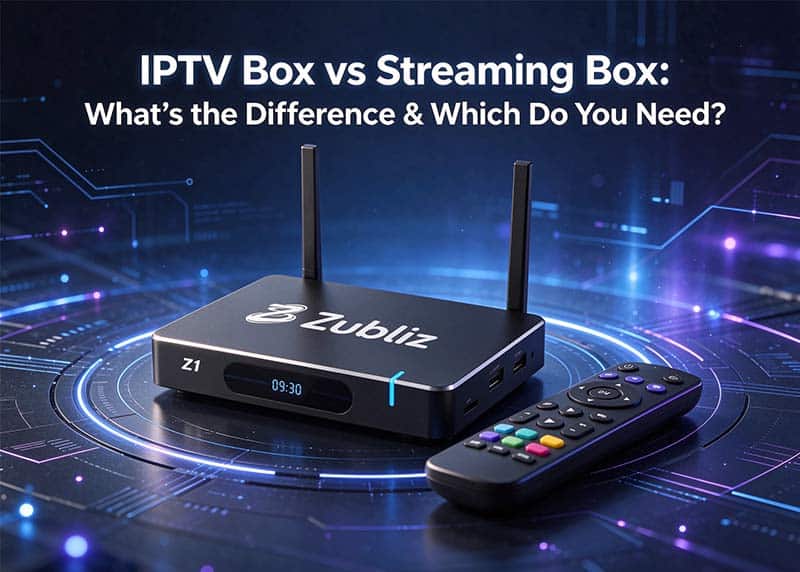
IPTV Box vs Streaming Box: The Basics
IPTV box: Usually refers to a box preconfigured for IPTV services (live TV streaming). Many come with or are tied to a specific service provider, so flexibility is relatively low.
Streaming box (Android box): An open Android device that can install various apps and app stores. You decide what to watch and what to install.
In one sentence: a streaming box is a “platform,” while an IPTV box is more “dedicated.”
Key Differences at a Glance
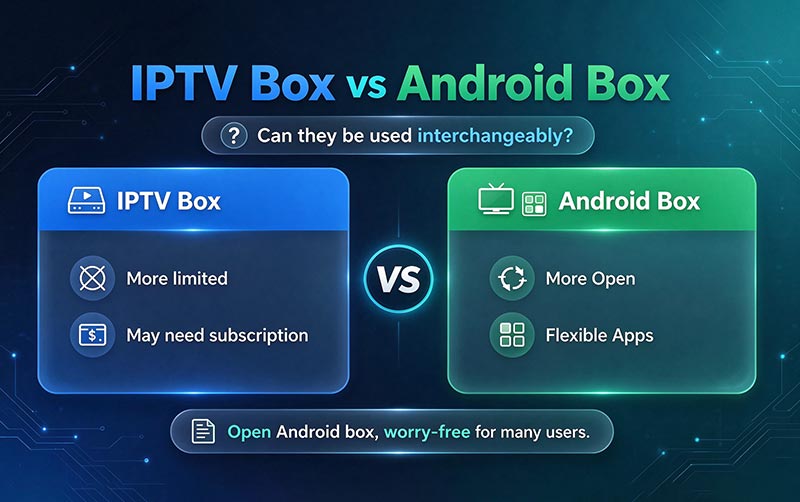
| Dimension | IPTV Box | Streaming Box (Android) |
| Openness | Low; often tied to a specific service | High; apps can be installed freely |
| Flexibility | Limited | Fully under your control |
| Content source | Often depends on a specific IPTV service | Diverse; you choose |
| Updates & after-sales support | Depends on the service provider | Depends on official brand support |
| Best for | Users who have already chosen an IPTV service | Most ordinary households |
Is an IPTV Box Safe & Legal?
Safety depends on what services and apps you use, not on the box itself. The device does not come with content or provide “cracking” services; what you install and watch is up to you. Whichever type you buy, it is recommended to purchase genuine products through official authorized channels to avoid account or device problems caused by modified units.
Why Most People Choose an Open Android Box
For most users who don’t want to tinker, the advantages of an open Android box are more practical:
One-time purchase with no mandatory monthly fee;
Freedom to choose apps, without being locked into one provider;
Clean system and friendly interface, easy for elderly users too;
Usually includes practical features such as voice remote and built-in recording.
For example, Zubliz Z1 is a typical open Android box—it arrives as a “clean” device, and how you use it is up to you.
How to Choose the Right One
If you have already locked in an IPTV service and just want plug-and-play → consider the corresponding dedicated box.
If you are an ordinary user who wants flexible app choices, avoids being locked in, and cares about long-term savings → choose an open Android box.
Whichever you choose, buy through official channels and avoid products from unknown sources.
FAQ
Q: Can an IPTV box and a streaming box be used interchangeably?
A: An open Android box is more comprehensive in functionality; a dedicated IPTV box is more limited.
Q: Do I need to pay a monthly fee for the box?
A: An open Android box does not require one; some IPTV services themselves may have subscriptions—that is a service fee, not a device fee.
Q: Which is better for elderly users?
A: An open Android box usually has a simple interface and easy-to-use voice control, making it more worry-free.
Looking for an open, worry-free box?
Welcome to [visit our official website / contact us] to see whether Zubliz open Android boxes are right for you, and get the latest pricing and model recommendations.